Your colour, any theme
Most themes take a new accent: curated choices like ice-blue nixie tubes for Hi-Fi or magenta for Overdrive, or any colour you like.
 WidgetThemes
Download
WidgetThemes
Download
Free for macOS 14 and later
WidgetThemes puts live widgets on your Mac desktop: clocks, system meters, weather, music, a focus timer and more. Every one is drawn by hand in 30 complete themes, from a 1970s hi-fi to iridescent black glass.

Themes
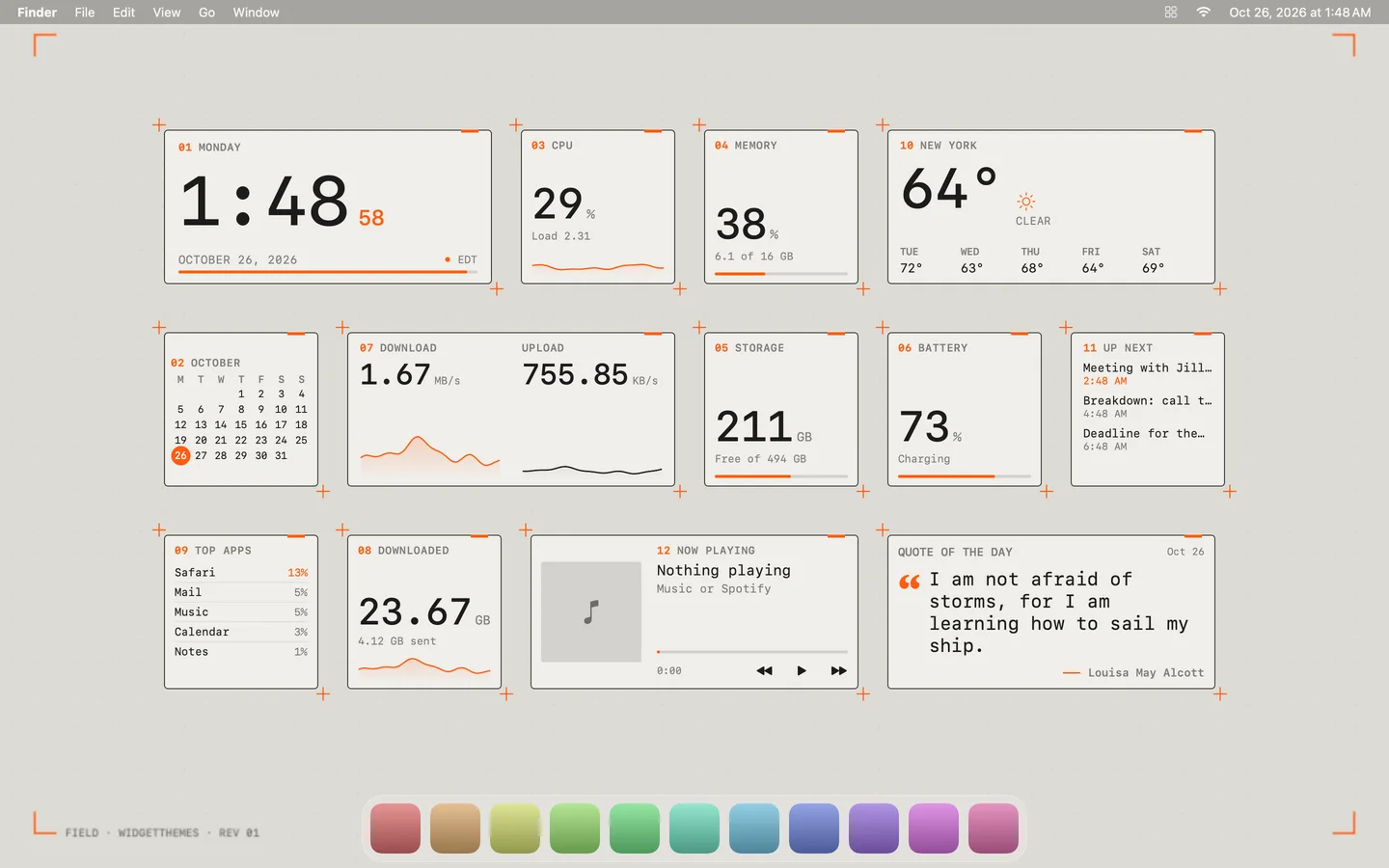
A theme isn't a colour swap. Each one draws its own version of every widget, lays them out in its own composition, links them with its own desktop decoration, and comes with a matching wallpaper.
Playground
Pick a theme and drag its widgets around, just as you would on your Mac. Add or remove widgets from the tray below.
Widgets
From system meters to a focus timer, each widget comes in 1:1 and 2:1 sizes, scales from 75% to 200%, and never draws text smaller than 10.5 points.
Features
Most themes take a new accent: curated choices like ice-blue nixie tubes for Hi-Fi or magenta for Overdrive, or any colour you like.
Field, Lumen and Paper each have a partner theme. Turn on Match system appearance and your widgets and wallpaper switch when macOS does.
Drag the handle to compare.

Pomodoro sessions with short and long breaks, a chime and a notification, styled to match every theme.
Widgets are doors: CPU opens Activity Monitor, Weather opens Weather, Battery opens its settings.
Widgets you pin above your windows fade away when a window slides under them, and come back on Show Desktop.
Each display can wear its own theme. Unplug a monitor and its widgets wait for it to come back.
Sonar sweeps, flickering neon and dancing VU needles. Motion pauses when widgets are covered and respects Reduce Motion.
Save a desktop under My Themes and export it as a file, accent colours included. Double-click to import.
Written in Swift and SwiftUI. It lives in the menu bar, uses about 8% of one core with animation on, and less when covered.
No account, no analytics, no tracking. Your calendar, reminders and activity never leave your Mac.
Free. Requires macOS 14 Sonoma or later, on Apple silicon or Intel.
Paste this into Terminal and press Return. It downloads WidgetThemes, checks it, puts it in Applications and opens it, with no security prompts to click through.
curl -fsSL https://widgetthemes.example/install.sh | bash
No password needed. Read the script first; it's short.
You only need to do this the first time.
Version 1.3 · It lives in your menu bar, not the Dock.
Yes. No trial, no subscription and no account.
Widgets update a few times a second at most and animate at a low frame rate. Animation pauses whenever widgets are covered by windows, and you can switch it off entirely in Settings.
Only what a widget you add needs: Calendars for Events, Reminders for Reminders, Location for local weather (or type a city instead), and Automation to read and control Music or Spotify. Each one is requested the first time that widget appears, and you can decline it.
Your choice. By default they sit on the desktop, behind your windows. You can raise all of them, or pin individual widgets above your windows.
macOS shows a warning for apps downloaded in a browser unless the developer pays for Apple's developer programme. WidgetThemes is free and isn't registered, so the Terminal command is the smoothest way in: it downloads the app over a secure connection, checks it matches the published checksum, and installs it. If you'd rather not use Terminal, the disk image works too, with one extra click the first time.
Quit WidgetThemes from its menu bar icon (right-click, then Quit) and move it from Applications to the Trash. To remove its settings as well, delete its file in ~/Library/Preferences; its name contains "WidgetThemes".
Of course. Every theme looks good on its own wallpaper, but you can add any image under Wallpapers, or shuffle between them on a schedule.